How I Used ChatGPT to Diagnose a Broken Laptop
Earlier this year, a message landed in the family group chat. My mother-in-law’s laptop had stopped working.
My wife’s response was immediate:
“That’s one for you.”
It wasn’t a question. It was a verdict.
Apparently, working with websites, automation and AI also makes me the family IT department. Fair enough.
After a phone call where I couldn’t make much sense of what was happening, I asked her to bring the laptop over so I could see it in person.
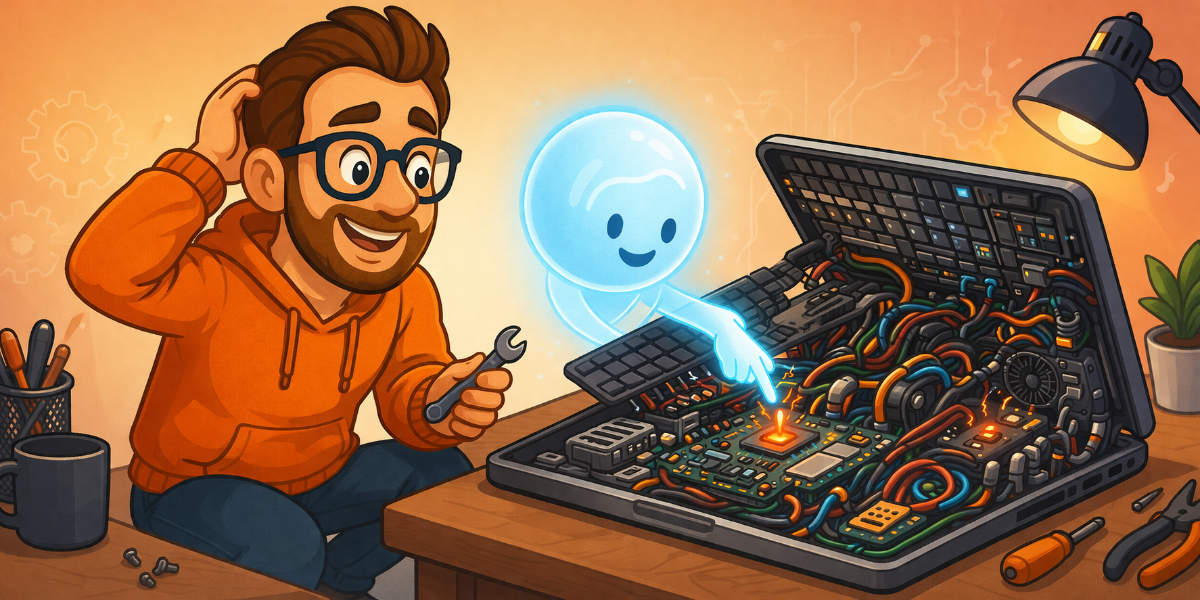
It was a Windows machine, which I’ll be straight with you about: I don’t really use Windows. It was stuck on the BIOS screen. If you don’t know what that is, it’s the basic black screen you sometimes see before Windows loads. The bit that makes you look like Dennis from Jurassic Park.
I had a vague idea where to start, but I wasn’t confident.
What I showed ChatGPT
I opened ChatGPT on my phone and described what I could see.
It gave me a step to try. I tried it, took a photo of the screen and sent the photo back. It explained what the result meant and told me what to check next.
We went back and forth like that a few times. I’d try something, tell it what happened and send another photo when it needed to see the screen.
After a few rounds, its verdict was that the motherboard was old, the fault wasn’t straightforward and it probably wasn’t worth the time or money to fix.
I was relieved.
Not because I couldn’t be bothered. Without that process, I would probably have sat there for hours assuming I could figure it out. Or worse, ordered some components and thrown money at something I wasn’t sure about.
I hadn’t suddenly become a laptop repair specialist. But I had enough information to make a sensible decision and tell my mother-in-law honestly:
“This one’s had its day.”
It saved me from wasting hours
Most AI advice still seems to focus on writing posts, tidying emails or making images.
Some of that is useful. It’s just not the bit I find most interesting.
In this case, I had something in my corner when I was out of my depth. It could look at the same screen I was looking at, explain what it meant in plain English and help me decide whether to keep going.
This is much closer to the practical use of AI I’m interested in. Sometimes you don’t need an “AI strategy”. You need help understanding the weird screen in front of you before you waste an afternoon or start buying parts.
The laptop isn’t the strangest job I’ve given ChatGPT either. I also spent four months using it as a fitness coach.
Both worked because I gave it something to work with. With the laptop, that meant photos of the screen and the result of each step. With the fitness coaching, it meant my goals, health issues and what I’d eaten that day.
A vague question usually gets a vague answer. Give it the details and it has a better chance of being useful.
Try showing it the problem
Most business owners have something like this sitting on their desk. Software starts playing up, or there’s a job you’ve been putting off because you don’t know where to begin.
Try showing ChatGPT what you’re looking at. Upload a screenshot, explain what happened before the problem started and tell it what you’ve already tried.
I wouldn’t blindly trust the answer. I certainly wouldn’t spend money or give it customer data without checking what it was telling me first. But it can help you understand the problem and work out your next step.
It might not fix what you’re dealing with.
In my case, it told me the laptop wasn’t worth fixing. That was still a useful answer.
And it saved the family IT guy a fair bit of stress.
If you like practical examples of how I’m using AI while running a small business, you can join my newsletter here.